
How to Get Photos Off a Broken Computer: Local Recovery Near Andover, Maple Grove, Blaine & More
Your laptop or desktop stopped working, but the photos on it are still there, on the hard drive inside the machine. In most cases, a broken computer does not mean lost photos. Here's how to think about it, what not to do, and how to get help locally if you're in Andover, Maple Grove, Blaine, New Hope, Osseo, or the surrounding northwest Minneapolis area.
Champlin Guys Data Recovery is based in Champlin, MN. We recover photos, documents, and other files from computers that won't turn on, laptops with broken screens, and machines damaged by water, drops, or hardware failure. Flat-fee, appointment-based, no charge if we can't recover your files.
What "Broken Computer" Usually Means for Your Photos
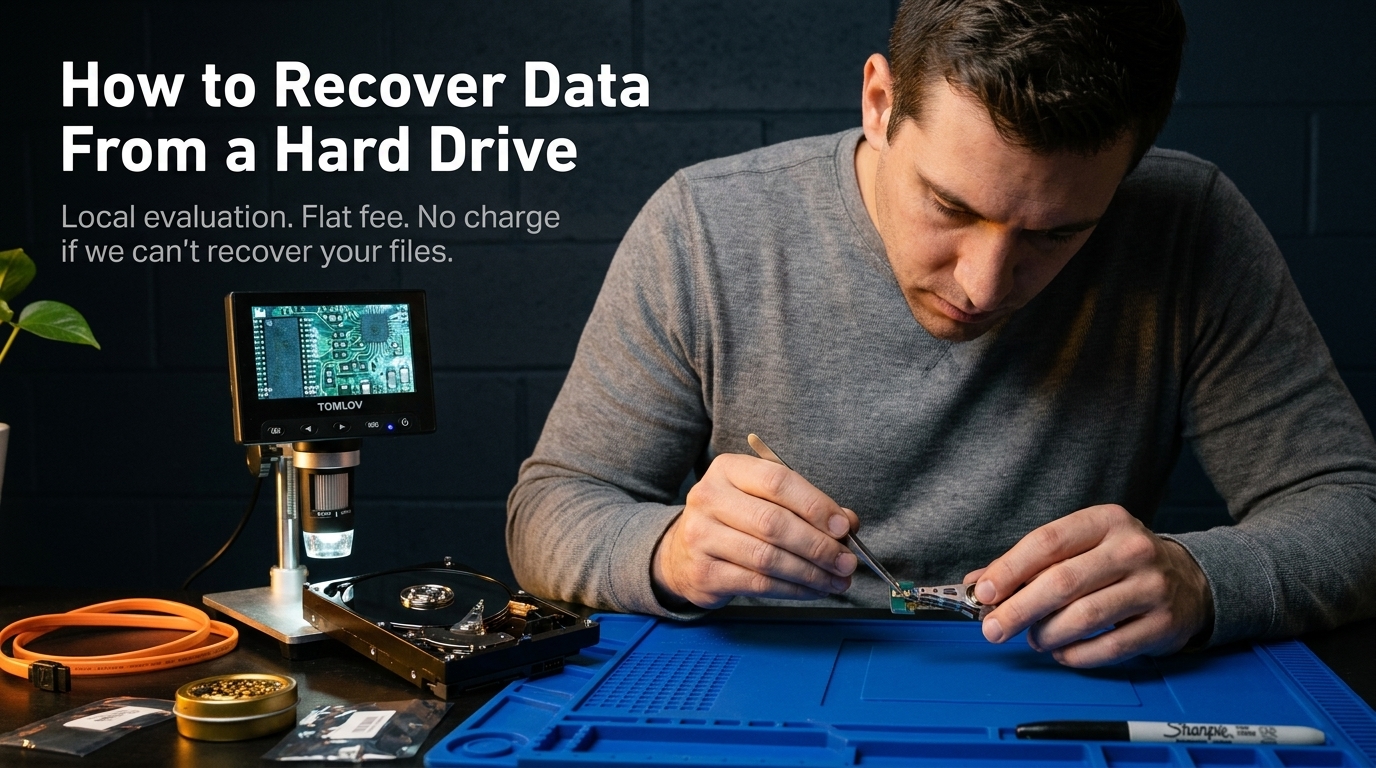
When people search for how to get photos off a broken computer, they're usually in one of a few situations. Understanding which one applies to you determines what's recoverable and how.
The screen is broken or dead, but the computer otherwise works
This is the easiest scenario. If the machine still powers on and the drive is intact, files can often be copied off directly using an external monitor, HDMI adapter, or by removing the drive and connecting it to another computer as external storage. No data recovery tools needed.
The computer won't turn on at all
A computer that refuses to power on usually has a failed component: power board, charging circuit, battery, or motherboard. But the hard drive or SSD inside is typically unaffected. The drive holds your photos independently of the rest of the machine. A technician can remove it and access your files directly.
The computer turns on but won't boot
Blue screens, spinning wheels, and "operating system not found" errors usually mean the operating system is corrupted or the drive has bad sectors. Your photos live as separate files on the drive. They aren't tied to the OS. Even when Windows or macOS won't load, the files are usually still intact and recoverable.
Water damage or physical damage
Water-damaged computers are recoverable more often than people expect. Laptops that took a spill, machines that sat in a flood, or computers that were dropped typically have storage that survived even when the rest of the hardware didn't. The key is stopping power attempts quickly. Powering on a wet machine can cause shorts that damage a drive that would otherwise be fine.
The drive is making clicking or grinding sounds
Clicking from a hard drive during startup is a sign of physical head failure. This is a more serious situation and requires careful handling. Do not keep powering the machine on. Each attempt degrades a drive that's already struggling. The files are often still recoverable, but time and additional power cycles reduce the window.
What Not to Do Before Getting Help
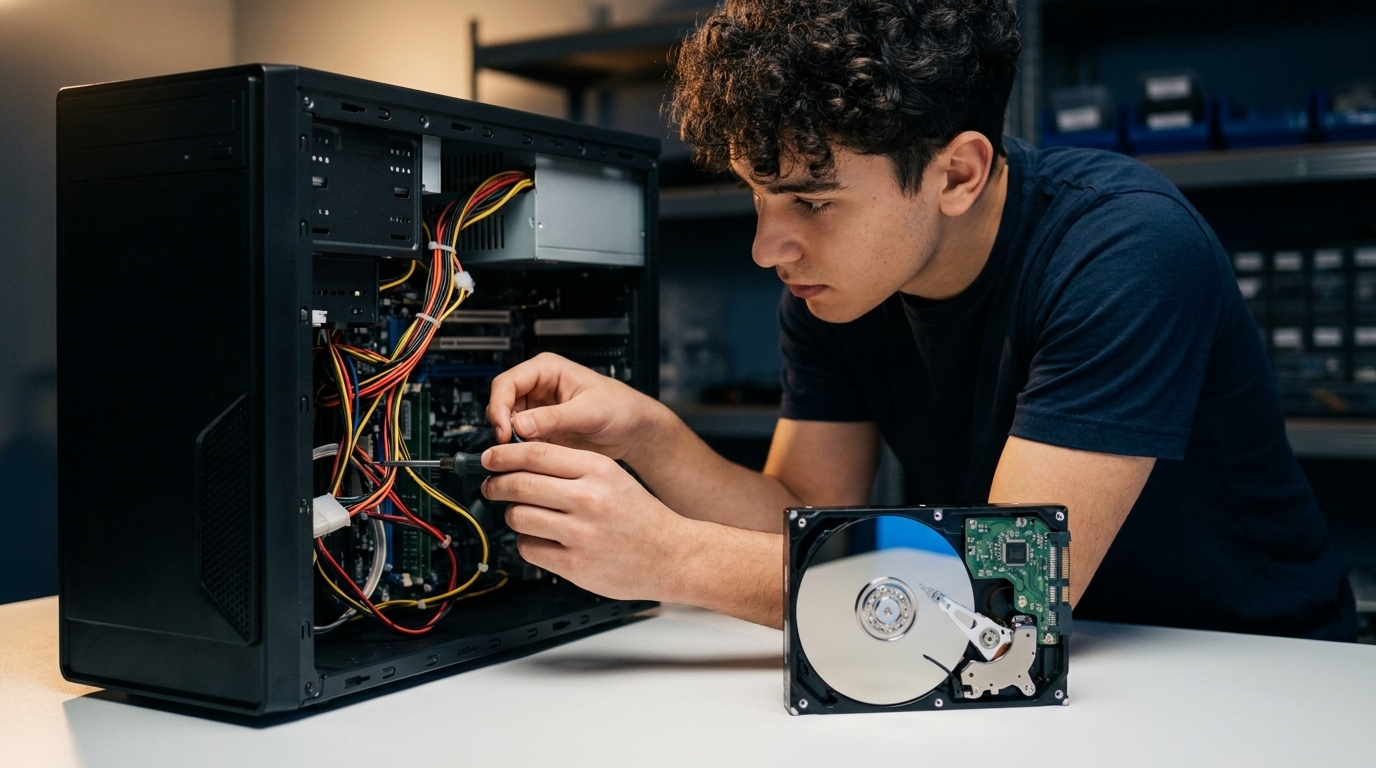
The condition of the drive when we first see it determines what's possible. A few common actions make recovery harder.
Don't keep powering it on if the drive sounds wrong
Clicking, grinding, or scraping from inside the machine during startup are signs the read heads are already struggling. Hard drive read heads float a few micrometers above spinning platters. A weakened head drags and scores the surface with each spin. Every additional power cycle reduces the recoverable area.
Don't run recovery software on a physically failing drive
Recovery tools like Recuva or EaseUS are useful for accidental deletion on a healthy drive. On a drive with physical damage (bad sectors, failing heads, controller issues), they force the drive harder and can turn a partial failure into a total one. Get a physical evaluation first.
Don't dry out a water-damaged computer with rice or heat
Rice doesn't draw moisture from internal components effectively and can introduce debris. Heat sources can warp components. For water damage, the priority is not powering the machine on until the electronics are properly evaluated.
The short version:
Stop using the computer as soon as something seems wrong. The less you do to it, the more options remain open.
What Types of Files We Recover
Photos are the most common reason people contact us after a computer failure, but we recover all types of files:
- Photos and videos: JPEG, PNG, RAW formats (Canon CR2/CR3, Nikon NEF, Sony ARW), MP4, MOV. Family photos, vacation pictures, event photos, and professional photography work.
- Documents: Word documents, PDFs, spreadsheets, tax returns, contracts, and other files that weren't backed up.
- School and work files: Projects, presentations, research, and other work stored locally on the machine.
- iTunes and music libraries: Music collections and media files stored on the drive.
- Everything else: If it was on the drive, we attempt to recover it.
Our Recovery Process
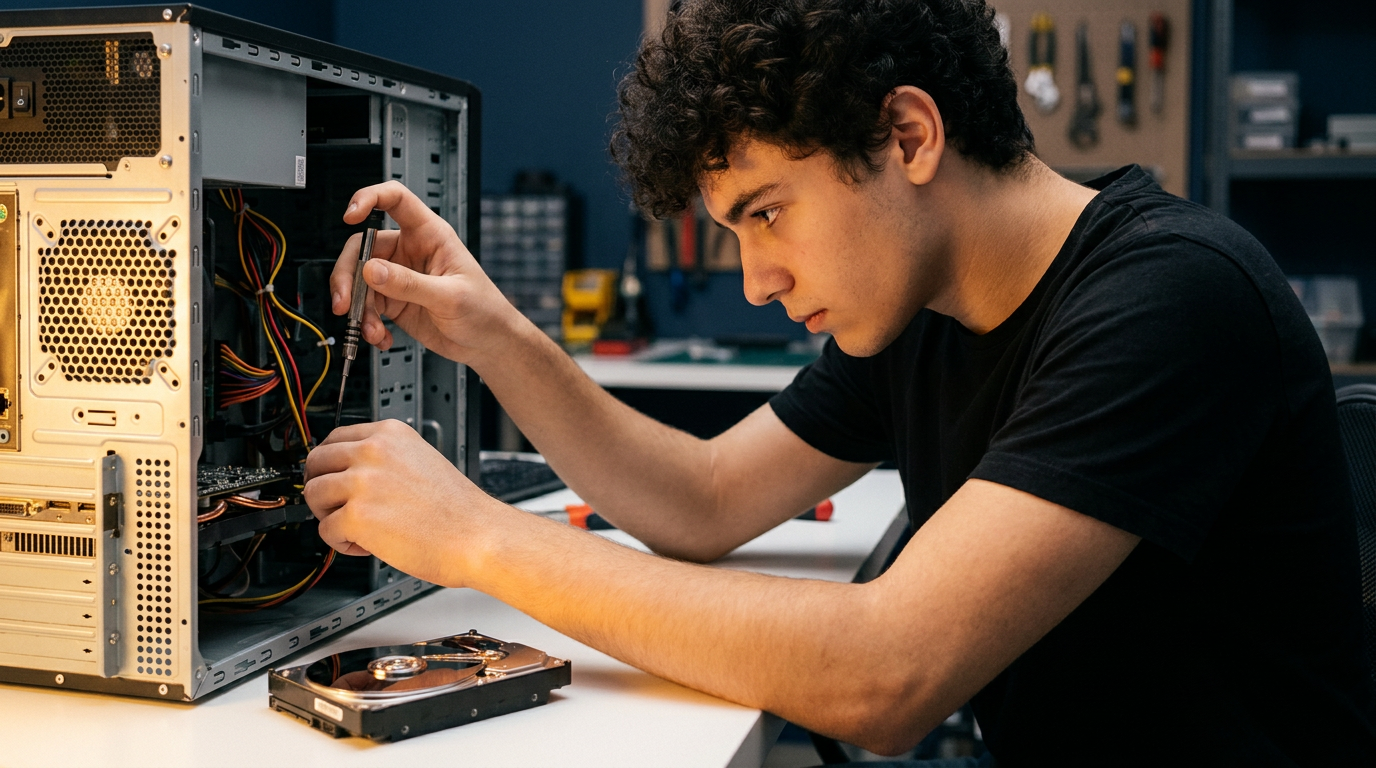
Here's what happens when you bring a broken computer to us:
1. Free evaluation
We assess what's wrong with the machine and what condition the storage is in. We'll tell you whether the failure is logical (software, filesystem, accidental deletion) or physical (bad sectors, damaged head, controller failure), and what that means for recovery.
2. Flat-fee quote before we start
You'll know the number before we begin. No surprise charges, no tiered pricing based on what we find. If we quote a fee and can't recover your files, you pay nothing.
3. Recovery
For logical failures, we use imaging and file recovery tools to extract your data. For drives showing physical symptoms, we use controlled imaging techniques that minimize stress on the hardware, reading in measured segments, monitoring drive health between passes, and avoiding approaches that would damage remaining readable areas.
4. Delivery
Recovered files are delivered via secure download link (up to 1TB) or transferred to a USB drive. You pick up in person or we arrange a handoff that works for you.
No recovery, no charge.
We'll be straightforward about what we can and can't do. If we can't get your files back, you don't pay.
Where We're Located and Who We Serve
We're based in Champlin, MN, near the intersection of I-94 and Highway 169 in the northwest Minneapolis suburbs. Most of our customers come from within 15–20 miles.
Andover, MN
Andover is about 10 minutes from us. If your computer stopped working and your photos are on it, whether a broken laptop or a desktop that won't power on, bring it in directly. Appointment-based, same-day evaluations available.
Maple Grove, MN
Maple Grove customers drop off and pick up in person. We recover files from MacBooks, Windows laptops, and desktop hard drives for customers across Maple Grove and the surrounding area regularly.
Blaine, MN
Blaine is a short drive from Champlin. Whether it's a water-damaged laptop, a machine that won't boot, or a hard drive making sounds it shouldn't. We'll evaluate it and let you know what's possible before starting any work.
New Hope and Osseo, MN
New Hope and Osseo are both under 15 minutes away. If you're looking for a local option to get photos off a broken computer near you rather than mailing a drive to an out-of-state lab. We're close and available most days of the week.
Coon Rapids, Brooklyn Park, Anoka, and more
We serve the entire northwest Minneapolis metro, including Coon Rapids, Brooklyn Park, Anoka, Crystal, Fridley, Dayton, Ramsey, Brooklyn Center, Minneapolis, and Nowthen. Call or contact us to confirm before making the trip.
Why local over mail-in?
Shipping a broken laptop or an already-struggling hard drive means it passes through couriers and multiple handlers before a technician sees it. Physical damage in transit is a real risk, especially for drives already on the edge. Drop-off means the drive goes directly from your hands to ours.
Quick Reference: What to Do Right Now
- Stop powering on the computer if you hear clicking, grinding, or if it acts unpredictably during startup.
- Don't run recovery software on a machine with physical symptoms. Get an evaluation first.
- For water damage: do not attempt to turn the machine on. Leave it off until it can be evaluated.
- The photos are almost certainly still on the drive. A broken computer does not mean lost photos.
- Local drop-off means faster turnaround and no shipping risk.
Ready to recover your photos? We're near Andover, Maple Grove, Blaine, New Hope, and Osseo, MN.
Flat-fee, appointment-based, no charge if we can't recover your files.